
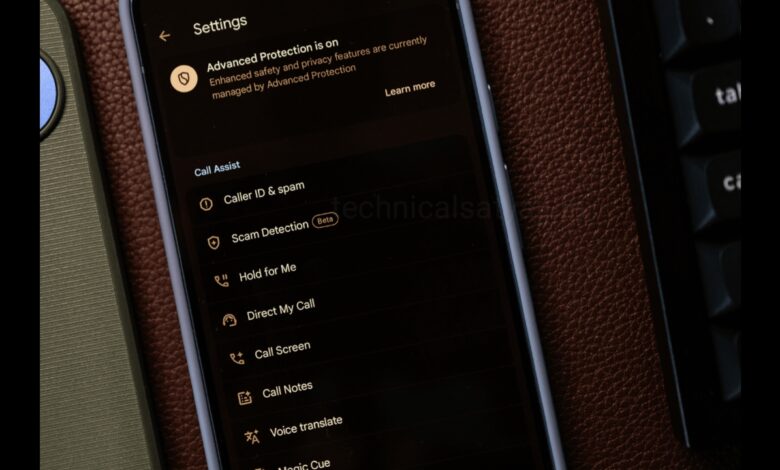
Do you know that your phone can share your phone number with other websites and third party apps. Is your phone also secretly sharing your phone and you want to stop it, then go through this article. In this article you are going know how to stop your phone from sharing your phone number by changing some settings of your phone.
How to Stop your Android Phone from Sharing Your Phone Number?
Change your Phone Settings
- Open settings on your phone.
- Go to the Google, tap to open it.
- From above sliding menu, tap on All services, then select Autofill, open it.
- You will see three options Autofill with Google, phone number sharing, SMS verification code.
- Tap on Phone number sharing.
- Here you will see an option Phone number sharing. Right side of this option you will see sliding button, turn it off.
Change Google Chrome Settings
- Open Google Chrome, then tap on the three dot present in top right.
- From drop down menu tap in Settings.
- Open settings page. Scroll down and tap on the Adressess and more.
- You will find Save full Adressess option. Turn it off because it can also share your phone number.
Hide Caller ID on Outgoing Calls
- Open your Phone app.
- Tap the three dots menu present on top right corner of the screen.
- Select Settings.
- Go to “Calls or Show My Caller ID.”
- Turn off the option “Show My Caller ID” or select Hide Number.
Turn Off App Permission
To revoke app permissions completely, you need to go to your phone’s privacy manager. This prevents apps from reading your phone number, contacts, or device identity details.
- Open Settings of your smartphone.
- Tap on Apps(or Apps & Notifications).
- Select Permission Manager (sometimes found under a three-dot menu or Privacy).
- Tap on Phone. This controls access to your phone number and call logs.
- Select the specific app you want to restrict.
- Choose Don’t Allow (or Deny).
- Go back and repeat this process for the Contacts permission.
Humbly Request To All Visitors!
If you found above both downloading link expired or broken then please must inform admin by fill this Contact Us! Form